A private SIM in your BYD: connected without a dongle
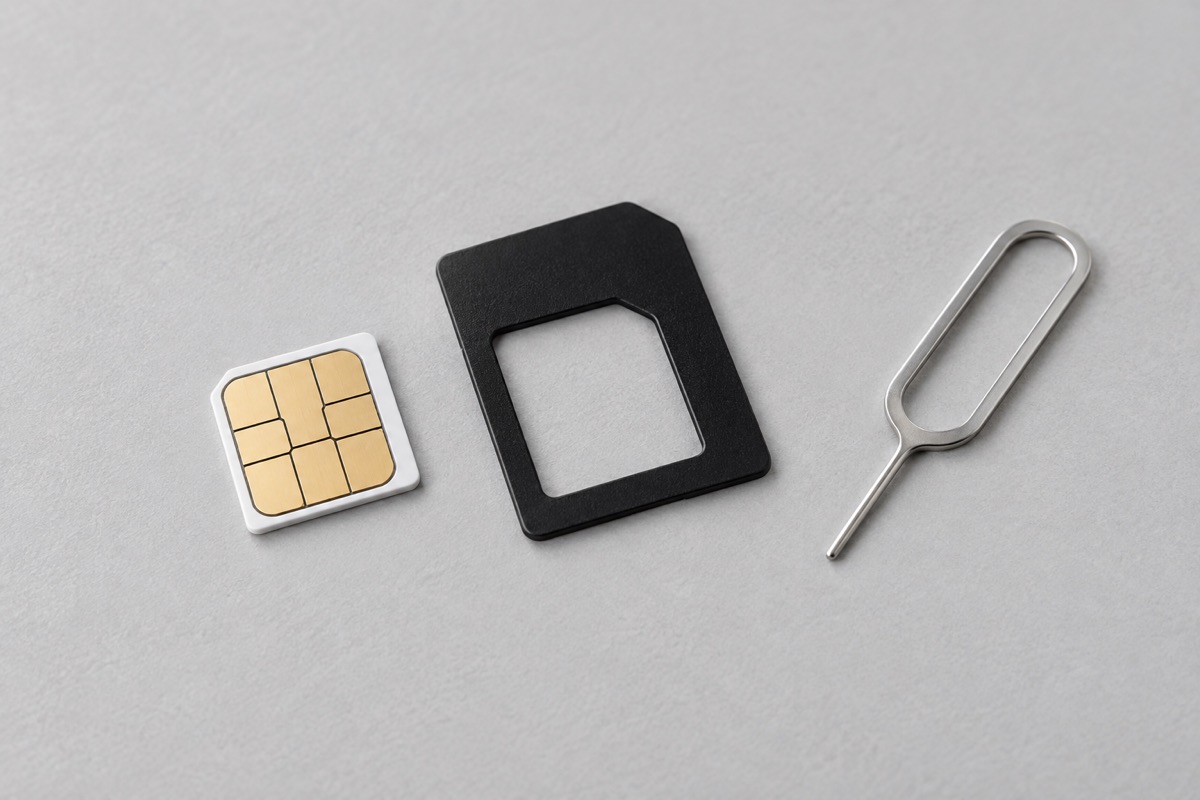
Compatible 2025 BYD models and 2023 models with supporting software can use a private data SIM while retaining app services and OTA updates. Compatibility depends on the model, software version and market. Model year alone does not establish support.
Confirm compatibility first
Note your exact vehicle model and software version and confirm support for a private SIM. Older software and other configurations may handle manufacturer services differently. Ask the support bot with these details and, where needed, confirm with BYD service before replacing the card.
Why choose the built in modem?
A private SIM uses the vehicle modem, removing an external device, its USB power connection and an extra WiFi link. On a compatible configuration this can be more convenient and more stable than a dongle. Coverage, carrier and data plan still matter. A dongle remains an alternative when private SIM support is unavailable.
Locate the tray and choose the adapter
The SIM tray location varies by model. It is often behind the glove compartment, but identify the exact location for your vehicle first. The trays covered here do not take a nano SIM directly, so use an adapter that fits the actual tray. Do not infer adapter size from model year. The cover image is illustrative.
Replace the SIM carefully
Park safely and follow the vehicle specific instructions. Use a SIM eject pin in the identified tray opening, as with a phone. Do not replace the SIM during a software update. Keep the original card, seat an active data SIM securely in the correct adapter and gently reinsert the tray in the correct orientation. Never insert an empty adapter or force the tray. Seek service help if access requires unfamiliar disassembly.
Check the connection afterwards
Test internet access on the vehicle screen, Magic Guard connectivity and the BYD app. Check that the OTA update screen is accessible; having no new update available is not itself a fault. If connectivity fails, check coverage, the data plan and any settings required by the carrier. If a previously working service stops, restore the original SIM and contact support with the model, version and test results.